Pre-requisite
Scenario
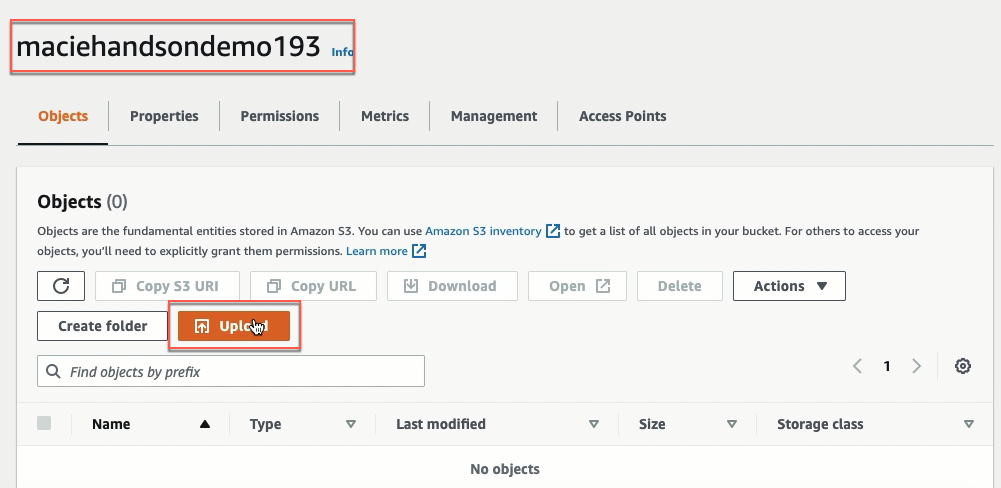
You have a S3 bucket named maciehandsondemo193.
The name of the bucket must be unique (view Bucket naming rules). You will use another name for your S3 bucket.
And as per your organization’s policy, you need to ensure that no files uploaded to this bucket have Employee ID info. In order to do the same you need to come up with a solution that can monitor this bucket on daily basis and look for specific PII info.
Someone from your team uploads a csv file containing employee info including their Employee ID.
You need to create a Macie job to identify this data breach.
Pre-requisite
- Create a S3 bucket named maciehandsondemo193.
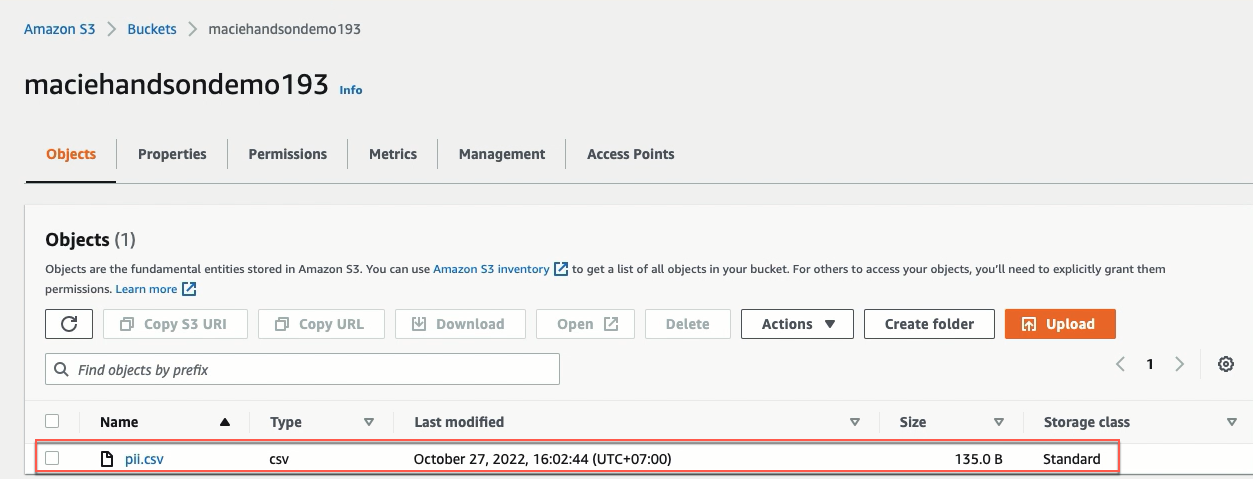
- Create a csv named pii.csv with the 8 records mentioned below and upload it to the above S3 bucket.
Employee ID is treated as PII information in this lab. And the employee id has a specific format:
- The first two characters are letters;
- The last four characters are numbers.
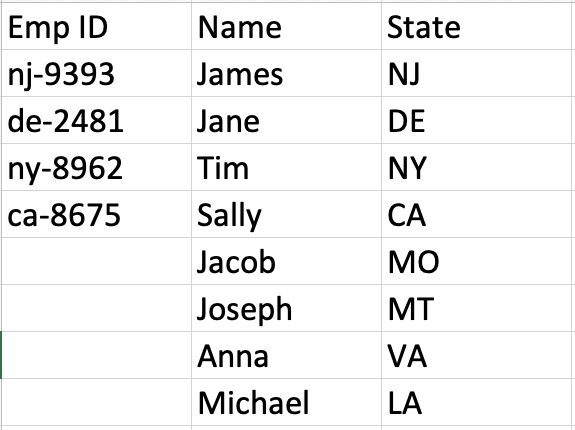
Because we go further ahead you will be creating a RegEx (Regular Expression) pattern. If your company has a different format for employee id, feel free to leverage that format as well. (In this lab, RegEx of Employee ID is [a-z]{2}-[0-9]{4})
To download the file pii.csv, you click here, right-click the Raw button at the top of the file, select Save Link As…, choose the location on your computer where you want to save the file, and select Save.
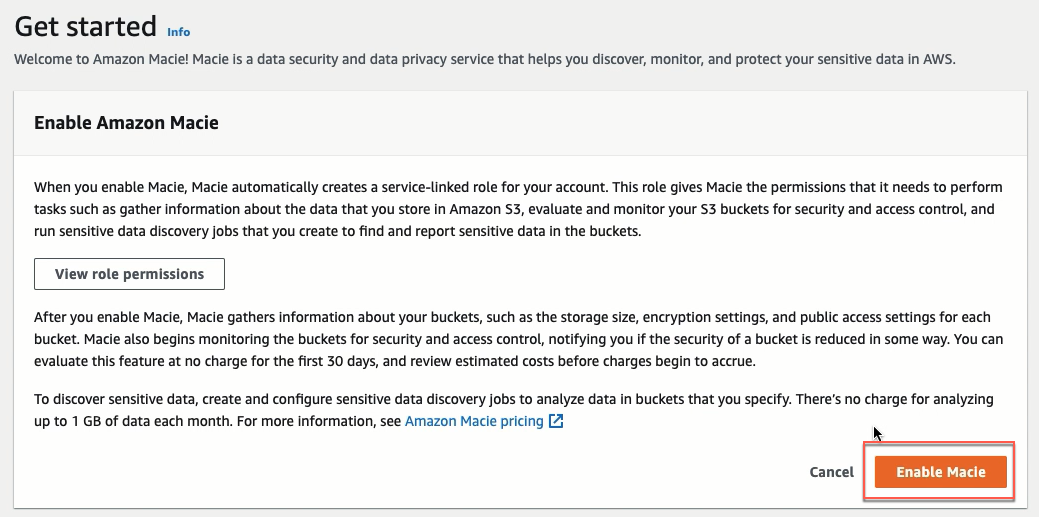
- Enable Macie
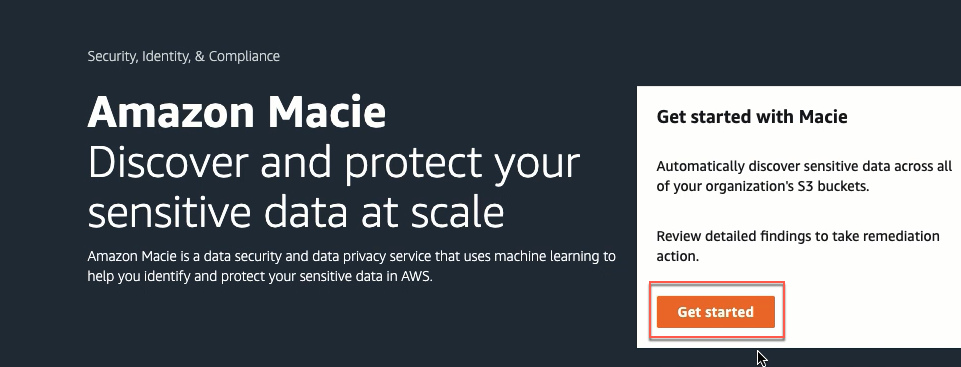
- Open the Amazon Macie
- Choose Get starter.
- Choose Enable Macie.